

VectorMethods
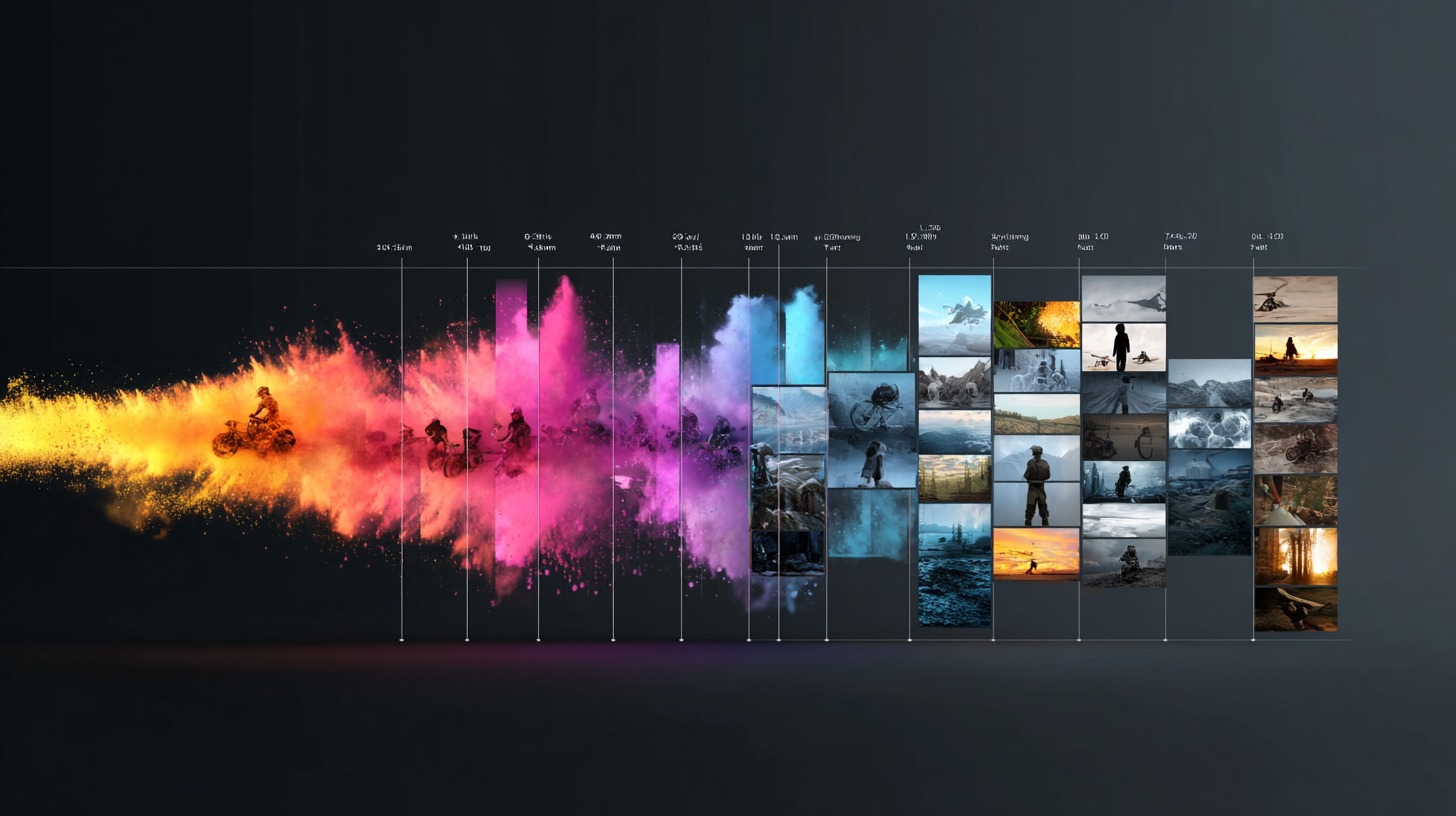
Media analysis visualization

VideoVector

AI media intelligence for video, audio, and image libraries

VideoVector transforms large video, audio, and image libraries into structured metadata, timestamped contextual intelligence, multimodal embeddings, and grounded MediaRAG workflows for search and discovery.

01Structured understanding

Give every moment a useful structure.

Turn footage into detailed, time-aligned descriptions of actions, entities and relationships. Shape the output around your schema, with the source context intact.

VideoVectorStructured understanding
Structured understanding
02Contextual discovery

Search for meaning. Arrive at the moment.

Connect a research question to the people, actions and recorded context inside your archive. Move from a broad collection to precise passages and a source-linked selection.

VideoVectorContextual discovery
Contextual discovery
03Sports archive discovery

Find the play inside the archive.

Describe the action, positioning and context you need. Connect the archive to a precise play, with the source footage and surrounding sequence ready for editorial use.

VideoVectorSports archive discovery
Sports archive discovery
04Editorial story mapping

Turn a recording into an editorial plan.

Map the story as it unfolds, identify meaningful boundaries and prepare source-linked passages for an edit. Connect each proposed clip to its narrative role and original timestamp.

VideoVectorEditorial story mapping
Editorial story mapping
05Source-grounded content creation

Give recorded knowledge a new form.

Develop recorded explanations into useful learning and reference materials. Carry the key concepts into notes, practice questions and glossaries, with a clear path back to the teaching passage.

VideoVectorSource-grounded content creation
Source-grounded content creation
06Evidence reconstruction

Bring the full sequence into focus.

Connect an account to the recorded sequence. Align observations, compare corresponding moments and prepare a review brief with a direct route back to every source.

VideoVectorEvidence reconstruction
Evidence reconstruction
07Process verification

Connect what happened to what should happen.

Bring footage, operating records and your requirements into one review. Trace each condition through its supporting evidence to a finding, an operational handoff and a retained report.

VideoVectorProcess verification
Process verification
08Duplicate & lineage review

Trace every version to its origin.

Connect repeated footage, excerpts and reframed deliveries to the same source. Preserve exact intervals and asset relationships for archive management, evidence review and dataset curation.

VideoVectorDuplicate & lineage review
Duplicate & lineage review
Platform / 01Design & configuration

Prototype extraction logic. Prepare it for production.

Define your output structure, select the fields that power search and evaluate the results. Carry the same extraction engine into repeatable workflows through the application, API and Python SDK.

VideoVectorExtraction engine configuration
Extraction engine configuration
Platform / 02Connectivity & operations

Connect media intelligence to production systems.

Bring cloud storage, scheduled intake, extraction and delivery into a connected operation. Use the API, Python SDK and webhooks to put results into your applications and automation workflows.

VideoVectorProduction connectivity
Production connectivity
How it works

From extraction engine design to searchable media intelligence.

One connected media workflow: a layered extraction definition feeds organized media, time-aligned analysis, connected delivery and scoped search. Each step preserves the contract and source context carried from the previous stage.0102030405
  1. 01

    Define

    Reusable definition

    Set the instructions, nested output schema and fields that contribute to semantic search.

    Instructions → structured contract
  2. 02

    Ingest

    Organized media

    Bring uploads and cloud media into an index, with source identity carried into the workflow.

    Source files → media index
  3. 03

    Analyze

    Time-aligned intelligence

    Execute the engine against selected media. Produce segment results and optional asset-wide synthesis.

    Media + definition → results
  4. 04

    Deliver

    Connected outputs

    Retrieve results through the API, export to storage and send lifecycle events to your applications.

    Results + events → your systems
  5. 05

    Search

    Retrievable context

    Query indexed results with semantic search, exact filters, SQL and agentic retrieval.

    Query + scope → source moments

The same source context, carried through. Every stage connects the reusable definition, indexed media and extraction execution to the results your teams retrieve and deliver.

See the media intelligence workflow in motion

See how VideoVector transforms media libraries into structured intelligence, searchable context, and production-ready workflows for organizations that rely on video, audio, and image data.

VideoVector vs Alternative

For teams evaluating TwelveLabs and other alternatives for video intelligence workflows.

Capability
VectorMethods
TwelveLabs
Model strategy
Selectable GCP, AWS, Azure, and open-source model providers
In-house Marengo and Pegasus models
Cost
Tunable by extraction complexity, provider choice, and model size
Anchored to Marengo and Pegasus pricing
Segmentation strategy
Contextual and instruction-based, computer-vision and shot analysis, and fixed-window modes
Model-based segmentation
Output control
API, SDK, MCP, Pydantic schemas, full indexed embeddings and artifact exports
API, SDK, MCP
Deployment
Cloud, private cloud, dedicated instance, and on-prem deployment
Cloud, private cloud, and on-prem options

Pricing

Start free and upgrade in the app as your workload grows, or scope an enterprise deployment with custom controls.

Every new workspace starts on Free. Explore the platform, then upgrade in the app when you need more.

Free

A workspace for trying core search, extraction execution, and early schema design.

$0

No checkout required

100 video processing credits included
Entry-level API and processing throughput
  • Core search and processing workflows
  • Extraction executions for validation projects
  • Community support

Starter

For teams moving from evaluation into production processing and API work.

Popular

$49/mo

Stripe monthly subscription

500 video processing credits included
Higher API and processing throughput
  • Connector, webhook, export, and API key access
  • Email support
  • On-demand credit purchases

Pro

For production teams that need larger self-serve credit allocation and priority help.

$149/mo

Stripe monthly subscription

2,000 video processing credits included
Highest self-serve API and processing throughput
  • Priority support
  • Bulk processing workflows for larger libraries
  • Larger recurring credit allocation

Enterprise

For governed deployments with custom rollout, infrastructure, and integration requirements.

Contact us

Custom commercial terms

Custom video processing credit allocation
Enterprise API, search, and processing limits
  • Bulk processing and archive-scale onboarding
  • Upstream and downstream integration customization
  • Dedicated instances, SLAs, and support alignment

Built around your work

Your industry. A clearer picture.

Explore how video intelligence fits your team’s recordings, decisions and day-to-day work.

Explore all industries
Solutions

Choose what you want to do with your media.

Browse all solutions

Questions teams ask before rollout

These are the most common evaluation questions we hear from teams planning archive, security, and workflow deployments.